In Ukraine, there are an increasing number of reports of people losing money simply by holding their own card up to their own phone.
What is a relay attack in simple terms?
When paying at a store or withdrawing cash from an ATM, the contactless technology (NFC) connects your card to the payment terminal.
Relay attack is a construction of a “digital bridge” between your real card and a fraud device. Using malicious software, the attackers read contactless data through your own smartphone and immediately transfer them through internet to another device.
The phone of fraudster’s accomplice “impersonates” your card (using HCE emulation technology) and ATM issues cash as if you personally held your card up to the ATM. While the fraudsters do not interfere with the banking systems, they break down your vigilance using psychology.
How the attack is carried out:
- Phone call. The caller claims to be a representative of the “bank’s security division”, any other organization, or even the National Bank of Ukraine, and tries to scare you claiming that your funds have disappeared / your card has been blocked / a loan has been taken out in your name.
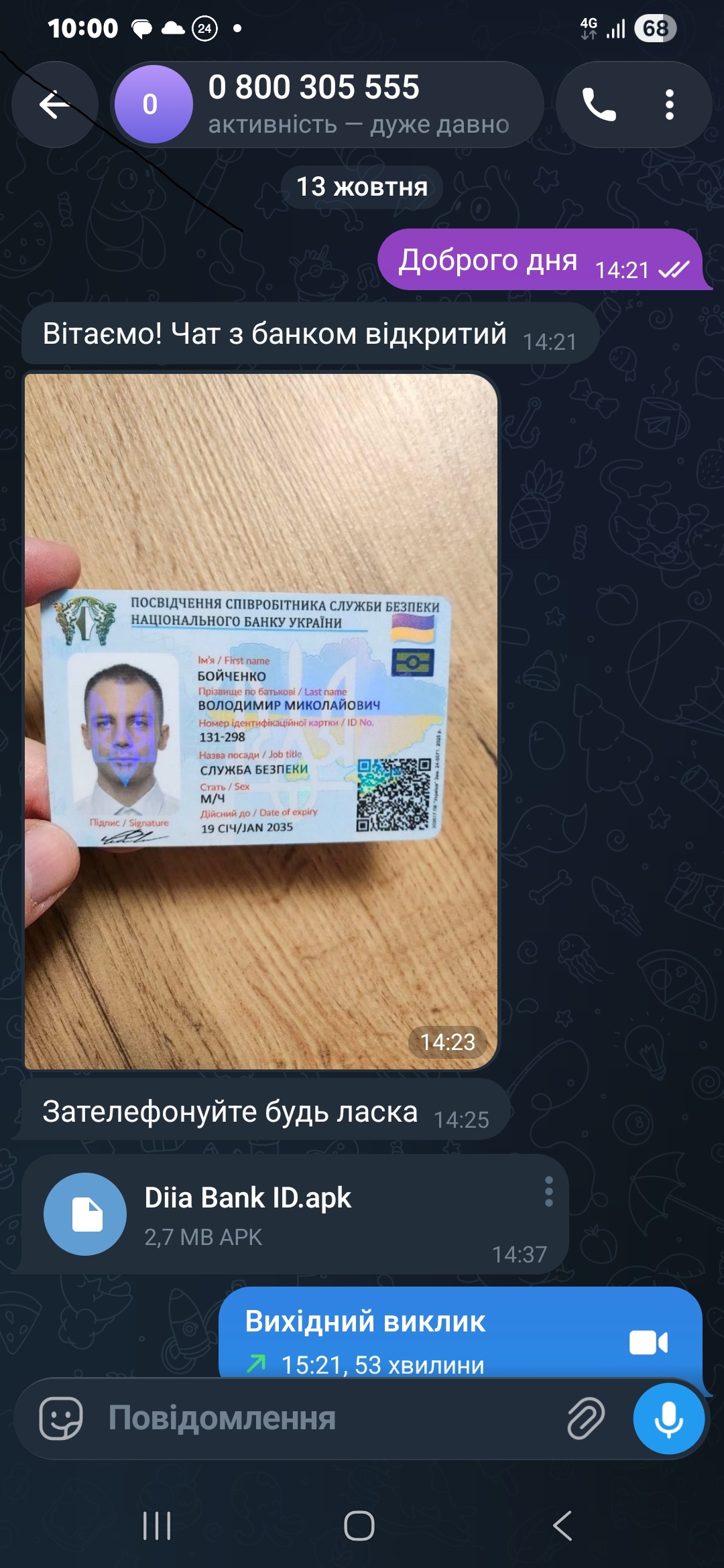
- Messenger. For the sake of credibility, they send a photo of any document that allegedly identifies the person on the call via messenger, after that they send a file, which ends with .apk (for example, DIIA.apk, BANK.apk), masked as a banking or government application, and insist on you downloading it. (see bank-apk.jpg photo).

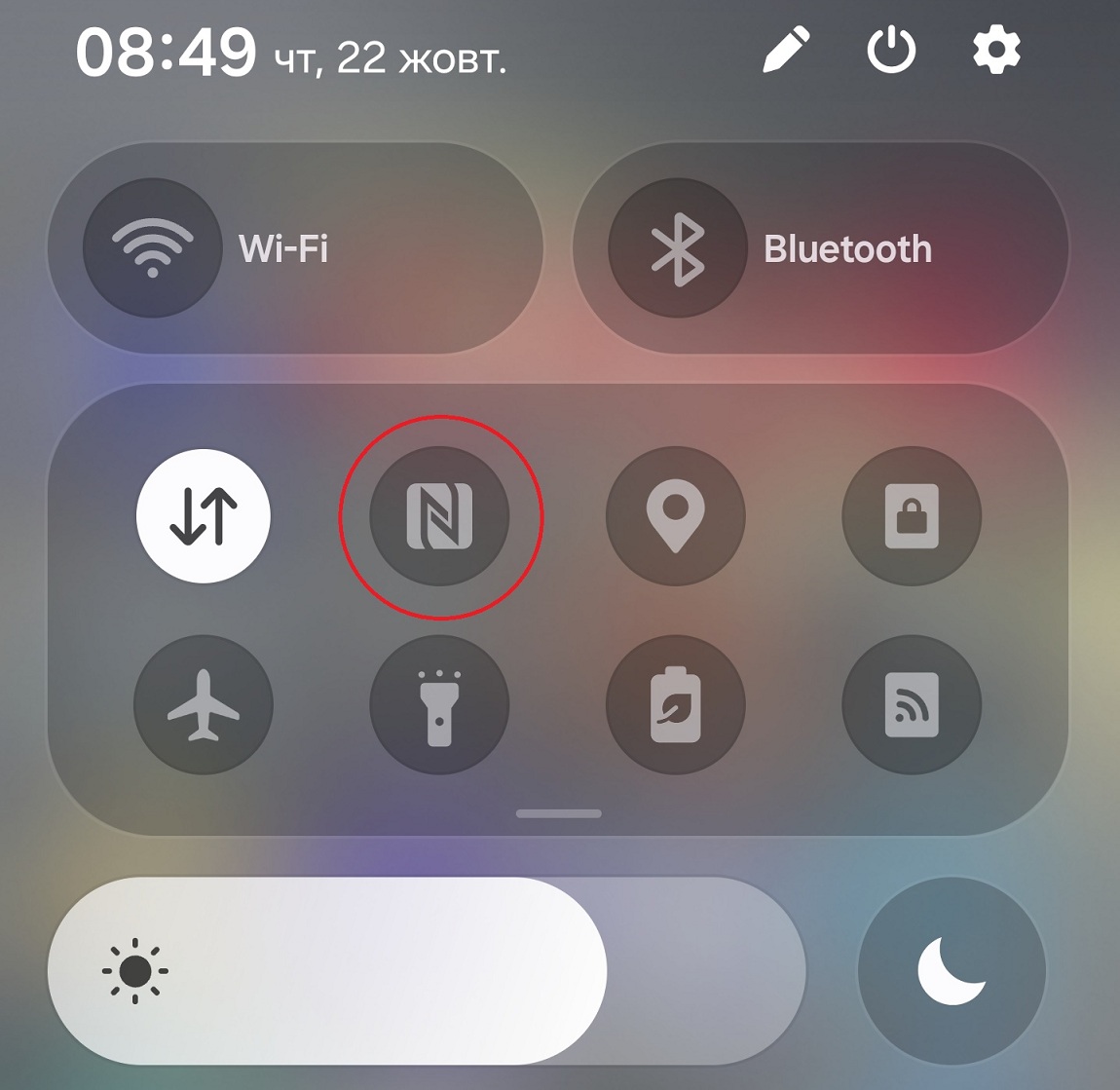
- Card. After installing the application, they ask you to turn on the NFC reader on your phone and hold your card up to the back of your phone. The program reads the data of your chip.

- PIN code. Then, a window for entering PIN code will appear to “confirm the security”. The numbers are immediately sent to the fraudsters and now they have all your card information.
- Stealing. The data is immediately transferred to the fraudster’s phone. They hold their phone up to the ATM machine or a payment terminal at a store, the card data is read, the fraudster enters your PIN code and withdraws cash or pays for the products.
How to protect your funds?
- Any program that does not come from App Store or Google Play, sent via messenger or downloaded through third-party websites is a threat. Download programs only from the official sources – Google Play or App Store.
- Do not hold your card up to your phone on someone’s requests. There is no existing security procedure within the bank that requires such actions.
- Remember about the NBU. The employees of this organization do not work with private individuals, do not call regarding the accounts, and do not send their “credentials” via messengers.
- If you receive a suspicious call regarding your banking transactions, immediately end it, call the bank’s Contact Center at 0 800 30-55-55, and inform about the suspicious activity.
CA+ application introduced a new service that helps verify that the call comes from the bank employee, and not from the “security divisions of Ukrainian banks”. Read more about how it works in the sections “Check for call availability from the Contact Center”.
We take care of your safety, but your vigilance is the main obstacle for fraudsters.